
Business IT Fundamentals
The pieces of a workplace technology setup and how they connect.
Guides
Seven topics cover the technology a small workplace actually uses. Each page is a full guide: explanation, steps, examples, mistakes, and a checklist.
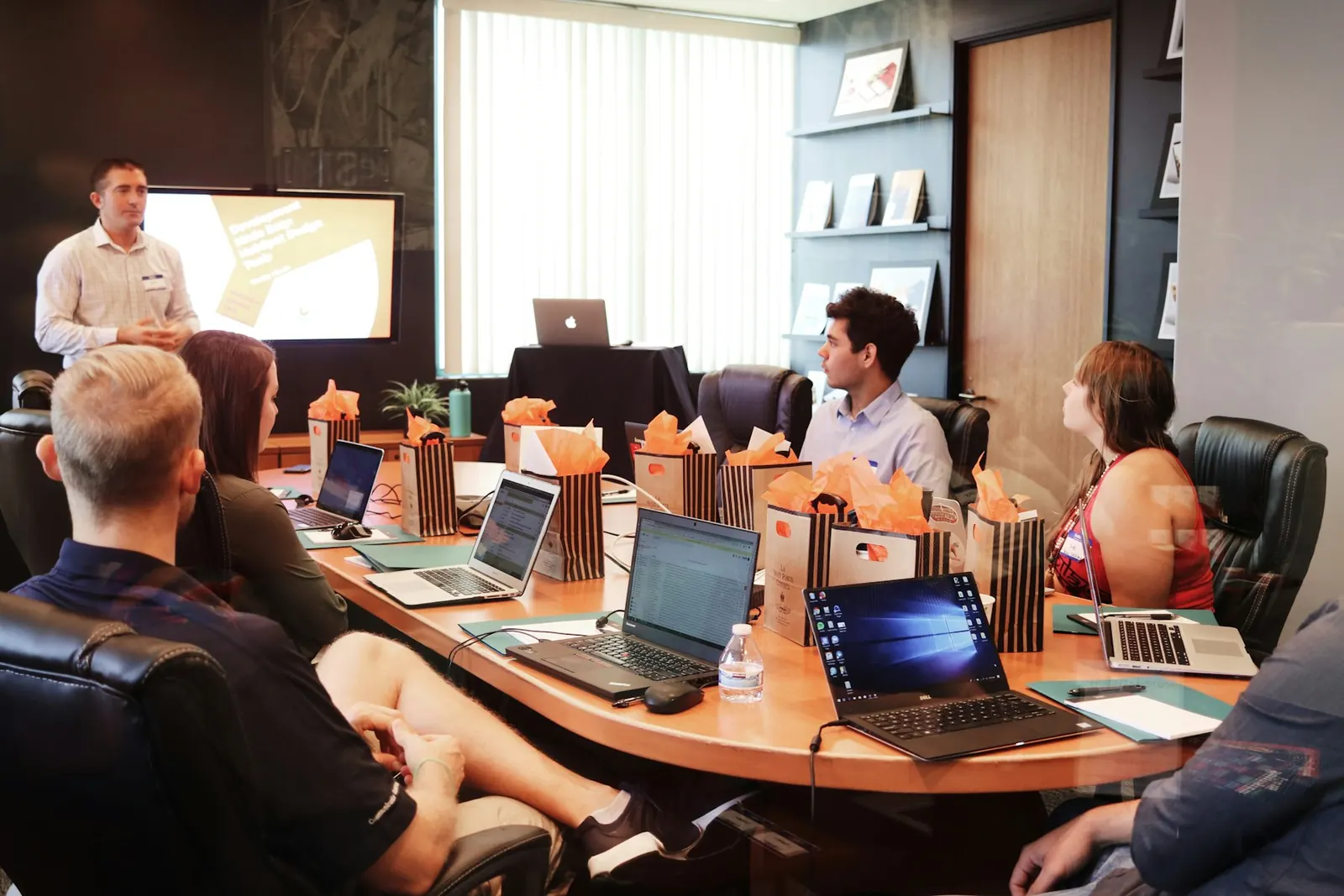
Business IT Fundamentals is the map: accounts, devices, files, and applications. Workplace Technology Guides turn that map into daily habits. Networking, Microsoft 365, cloud, backup, and cybersecurity each take one area and walk through it in enough detail to study on your own.
Read a page from the top. The checklists at the end are for later, when you already understand the words.
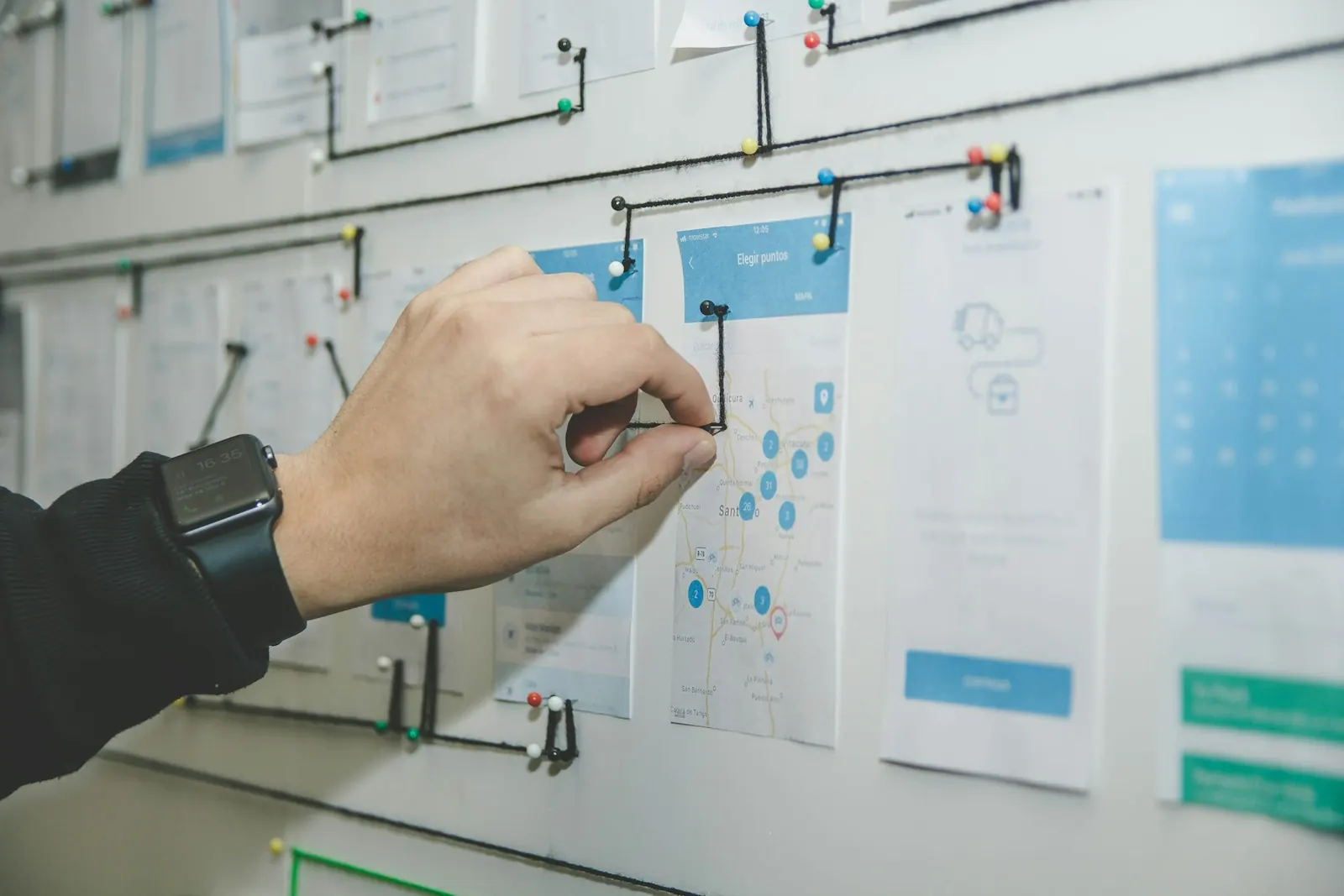
The pieces of a workplace technology setup and how they connect.
Passwords, files, printers, and a work computer used safely.
Routers, Wi-Fi, guest access, and what “the internet is down” usually means.
Outlook, Teams, OneDrive, and SharePoint without mixing personal and work files.
SaaS, cloud accounts, and why a move is a decision rather than a slogan.
Copies you can restore, including after ransomware, and copies that only look like backups.
Phishing, MFA, and what to do after a suspicious click.
Day one: Fundamentals, then the workplace guide on passwords and files. Day two: Microsoft 365 if your office uses it, otherwise skip to backup. Day three: networking and cybersecurity awareness. You will not become an administrator in a week. You will be able to name your systems and stop a few common mistakes.
If a step asks you to change a setting you do not control, stop and ask whoever owns that system. These guides do not replace workplace policy.
The guides describe ordinary business computers and software. They do not cover industrial control systems, medical devices, or emergency dispatch. They also do not walk through breaking into a system, bypassing a control, or repairing hardware.
When a vendor’s own documentation disagrees with a page here, follow the vendor and the policy of your workplace.

No. There are no enrolments, instructors, or certificates on this website. The pages are free to read.
No. The site publishes reading material. It does not configure systems, connect remotely, or repair devices. Questions about understanding a guide can go to the contact page.
Fundamentals names the pieces. The workplace guides turn them into habits.